

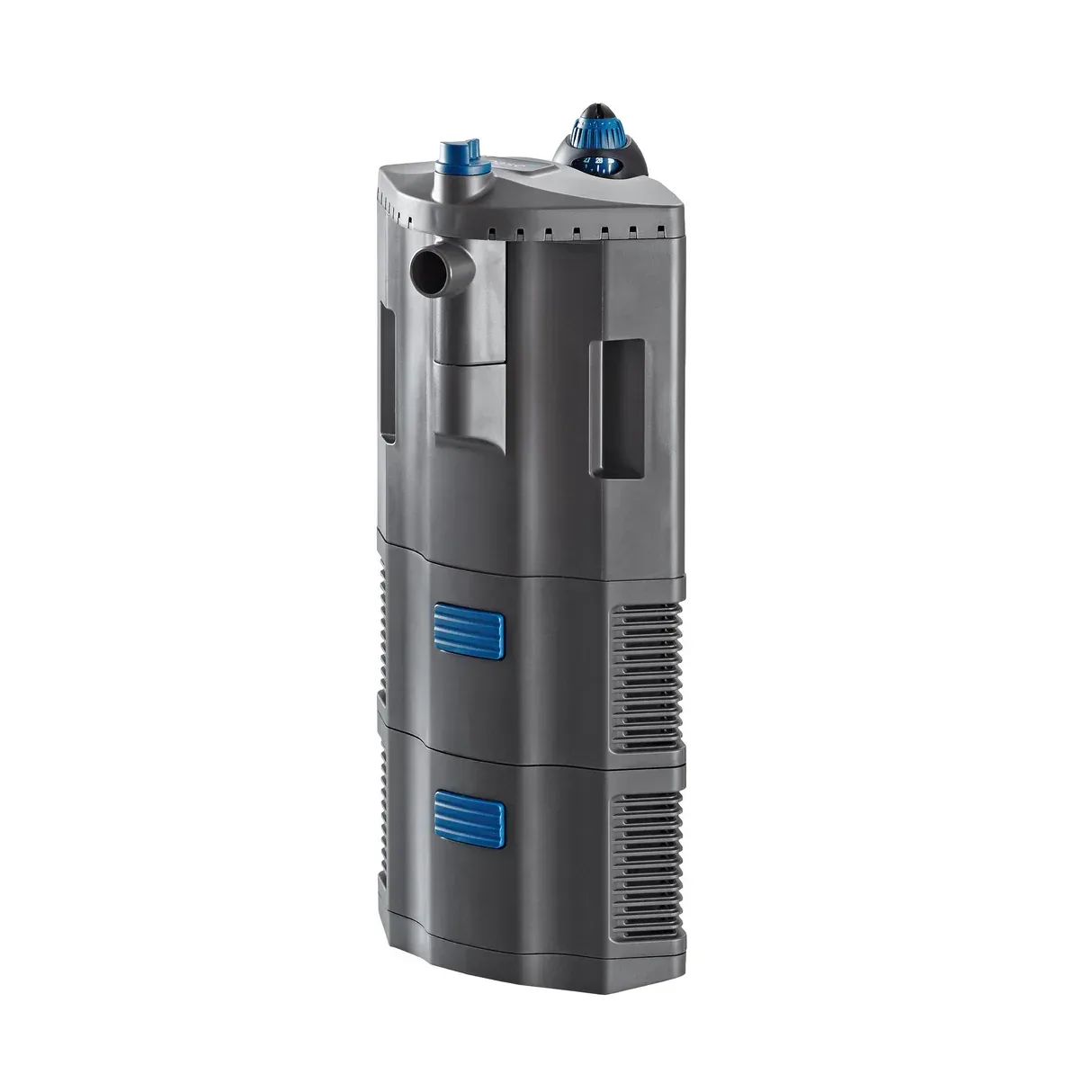
BioPlus Thermo 100
Overview
The OASE BioPlus Thermo 100 is a reliable aquarium heater designed to maintain optimal water temperatures in both freshwater and marine setups. With a focus on energy efficiency and precision, this heater ensures that your aquatic environment remains stable, promoting a healthy habitat for your fish and plants.
Key Features
- Integrated Thermometer: Provides accurate temperature readings without the need for additional devices.
- Rapid Heating: Heats water quickly to the set temperature, reducing downtime for your fish.
- Energy Efficient: Designed to minimize power consumption while maximizing heating capability.
- Safety Features: Includes overheat protection and a thermal fuse to prevent malfunction.
- Adjustable Temperature Settings: Allows for precise control of the water temperature, catering to various aquatic species.
- Compact Design: Easily integrates into any aquarium setup without taking up excessive space.
- Durable Construction: Built with high-quality materials to ensure longevity and reduce wear over time.
- Easy Installation: Simple setup process with clear instructions for hassle-free installation.
Ideal Use Case
The BioPlus Thermo 100 is perfect for hobbyists looking to keep their aquarium temperature stable in various conditions. It is suitable for freshwater tanks, marine tanks, or even aquascaping projects where water temperature control is critical. Ideal for both beginners and experienced aquarists, this heater supports a variety of aquatic life.
Setup Tips
- Place the heater near a water flow source to enhance circulation and distribute heat uniformly.
- Use the integrated thermometer to monitor the temperature after installation to ensure it matches the desired setting.
- Regularly check the heater for proper function to maintain optimal performance over time.
Maintenance
Maintaining the BioPlus Thermo 100 is straightforward. Ensure the heater is free of debris and algae, and check the power cord for any signs of wear. If the heater is not functioning properly, consult the user manual or contact OASE support for assistance.